Lead Generation Automation: Capturing Leads Into Your CRM


TL;DR
Lead generation automation links capture, qualification, and CRM handoff without manual work, powered by forms, chatbots, scoring, and API integration. Below: system architecture, a CRM comparison, CPL/CAC/ROMI metrics, real cases with numbers, common mistakes, and an implementation checklist.
Manually copying submissions into spreadsheets, missed calls, and a manager who remembers a lead a day later — these are direct money losses. Lead generation automation solves this problem: the system automatically collects submissions from every channel, checks their quality, and instantly passes them into the CRM with a full set of data. In this article we’ll break down the architecture, stages, tools, metrics, and common mistakes — so you can build an end-to-end system yourself.
What lead generation automation is and why it’s critical for CRM
Lead generation automation is a structured “capture → qualification → CRM handoff” process without manual labor at routine stages. A lead here is a prospective customer’s contact (phone, email, messenger handle) who has shown interest. The system’s job is not to lose that contact and to deliver it to the manager with maximum context.
Why this matters specifically in tandem with a CRM: without automation, data gets fragmented. Ads live in one dashboard, submissions sit in an inbox, calls are in the phone system, and deals live in the head of the sales manager. CRM for leads becomes a single source of truth only when submissions land there automatically, complete with source and UTM tags. Only then do end-to-end lead analytics and an accurate cost-per-lead calculation actually work.
Key terms we’ll be using:
- MQL (Marketing Qualified Lead) — a lead that has passed marketing qualification: fits the profile and has shown interest.
- SQL (Sales Qualified Lead) — a lead ready to talk to a manager.
- CPL, CAC, ROMI, LTV — economic metrics, covered below.
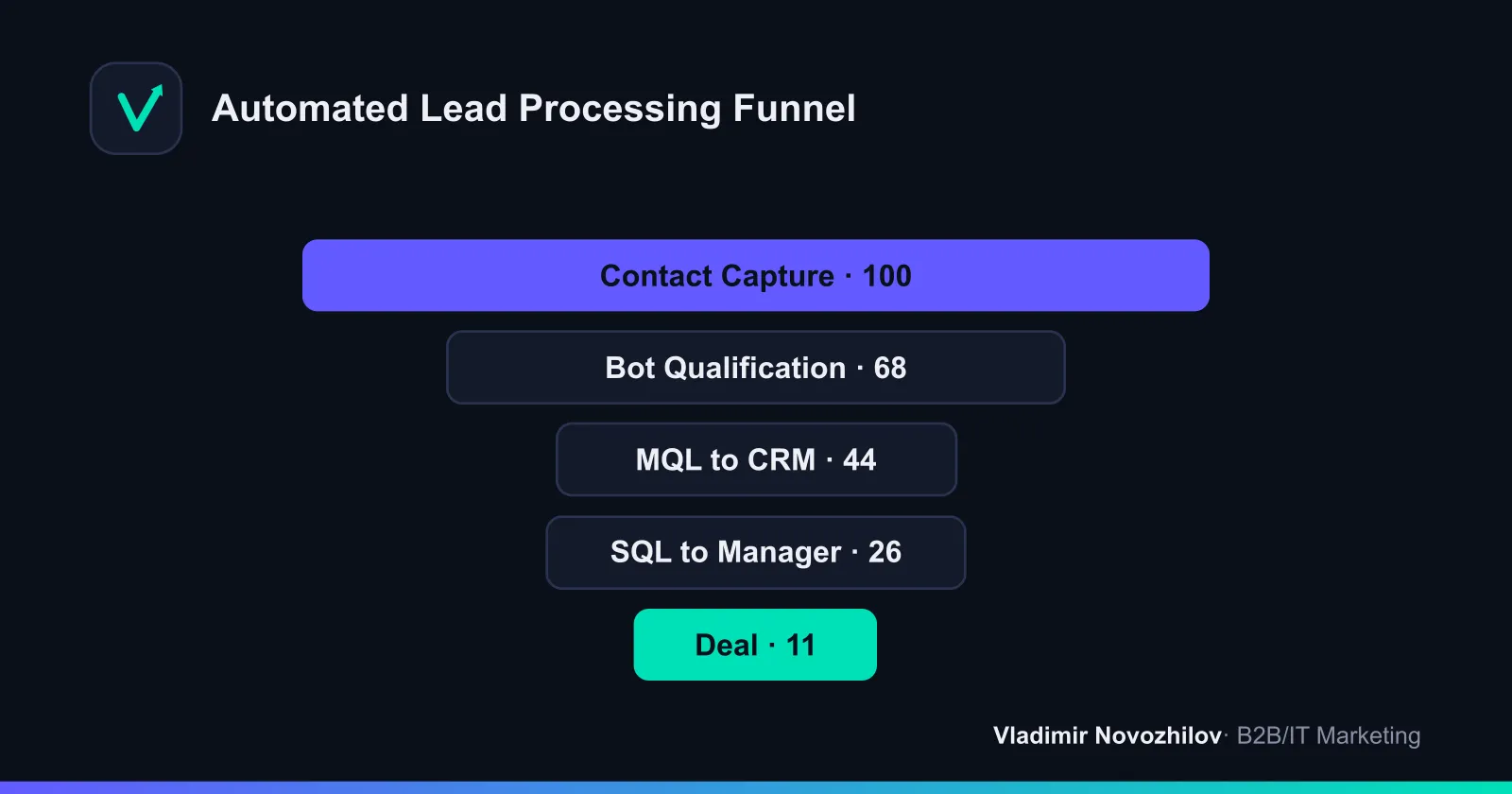
System architecture: capture — handoff — storage of leads
Any lead automation system is built from three layers. Understanding this architecture eliminates 80% of implementation mistakes.
- Capture. Entry points: website forms, quizzes, landing pages, a chatbot for lead collection in messengers, call tracking, social media. At this layer, it’s critical to record the source and UTM tags immediately.
- Handoff (middleware). A middle layer connects channels to the CRM. This can be direct API integration, a webhook, or an aggregator connector (Make, Albato, Zapier-like tools). This is where data normalization, deduplication, and scoring happen.
- Storage. The CRM as the system of record: lead card, touchpoint history, sales pipeline statuses, tasks for managers.
The weak link is usually the middle layer. If the middleware doesn’t normalize phone numbers and doesn’t pass through tags, collecting leads into the CRM turns into a mess of duplicates with no sources.
Stages of automation: from attraction to CRM entry
A step-by-step scenario that covers the entire marketing and sales automation chain:
- Attraction. Traffic from ads, SEO, newsletters, and social media leads to capture pages. Each campaign gets its own UTM tags.
- Contact capture. A form or bot collects the contact. An instant auto-reply reduces drop-off of “hot” submissions.
- Qualification. The bot asks 3–5 clarifying questions (budget, task, timeline) — this is lead qualification at the entry point.
- Scoring. The system assigns a score based on profile and behavior — turning the lead into an MQL or filtering it out.
- Handoff into the CRM. A card with all fields is created via API and a manager is assigned.
- Notification and nurturing. The manager gets the task within seconds; in parallel, a sales auto-funnel with a chain of emails and messages kicks off.
- Analytics. Every step is logged into a report for end-to-end lead analytics.
Chatbots and AI scoring for lead qualification
Lead processing speeds up when a bot handles the initial dialogue. A chatbot for lead collection works around the clock, doesn’t burn out, and handles dozens of conversations in parallel. Its job isn’t to sell but to qualify and collect data.
Lead scoring is assigning points for signs of purchase readiness. A simple model:
- demographic/firmographic traits (industry, company size, job title);
- behavioral traits (opened an email, visited the pricing page, replied to the bot);
- negative signals (irrelevant region, off-target request — points deducted).
AI for lead generation enhances this with predictive analytics: the model trains on closed deals and predicts conversion probability, while hyper-personalization tailors content to the segment. But it’s worth starting with a simple rule-based scoring model — it delivers 70% of the result without complex AI.
CRM integration: setting up lead collection without manual work
A step-by-step guide to integrating a chatbot and channels with the CRM:
- Define the fields. Determine the mandatory set: name, phone, email, source, UTM, answers to qualifying questions.
- Choose a connection method. Direct CRM integration via API — for stable volumes; a connector (Make/Albato) — for a quick start and multiple channels.
- Set up normalization. Bring phone numbers to a single format, remove blank values, set defaults.
- Enable deduplication. Search for duplicates by phone and email before creating a card.
- Define routing rules. Rules for assigning a manager by product, region, or workload.
- Set up notifications. A push/message to the responsible person within the first minutes — this is the essence of sales autopilot at the top of the funnel.
- Add a fallback scenario. If the API is unavailable, the lead falls into a buffer (spreadsheet/email) rather than getting lost.
- Test the whole pipeline. Run a test submission from the ad all the way to the card and verify the tags made it through.
Comparing CRMs and tools for lead generation automation
Choosing a CRM for lead generation depends on deal complexity and budget. Below is a benchmark of popular solutions.
| System | Best for | Lead automation | API and integrations | Starting budget |
|---|---|---|---|---|
| Bitrix24 | SMB, broad functionality | Robots, triggers, built-in AI | Open API, many connectors | Free tier available |
| amoCRM | Sales via messengers | Digital pipeline, bots | API, ready-made widgets | Mid-range |
| HubSpot | Complex B2B, long cycle | Advanced scoring, workflows | Rich API | Above average |
Beyond the CRM, you also need tools for the capture and handoff layers:
| Layer | Tools | Task |
|---|---|---|
| Capture | Forms, quizzes, chatbots, call tracking | Collect the contact and source |
| Handoff (middleware) | Make, Albato, webhook, API | Normalization, scoring, routing |
| Analytics | End-to-end analytics, dashboards | CPL, CAC, ROMI by channel |
End-to-end analytics: CPL, CAC, ROMI, and cost-per-lead calculation
Without metrics, automation turns into “looks nice, but unclear whether it pays off.” Here’s the basic toolkit with formulas.
| Metric | Formula | What it shows |
|---|---|---|
| CPL (cost per lead) | Channel spend ÷ number of leads | Cost of one contact |
| CAC | Marketing and sales spend ÷ number of customers | Cost of acquiring a customer |
| ROMI | (Revenue − Costs) ÷ Costs × 100% | Return on marketing |
| LTV | Average order value × frequency × customer lifespan | Customer value over their whole lifetime |
Example CPL calculation. You spent 120,000 ₽ on a channel and got 240 leads → CPL = 500 ₽. Of these, 60 became customers with an average order value of 30,000 ₽ and a 40% margin. CAC = 120,000 ÷ 60 = 2,000 ₽. Margin revenue = 60 × 30,000 × 0.4 = 720,000 ₽. ROMI = (720,000 − 120,000) ÷ 120,000 × 100% = 500%. This shows you which channel to scale and which to shut down.
Common mistakes when implementing sales autopilot
- Lost UTM tags. Tags aren’t passed through the form or bot — the source field in the CRM is blank, and analytics is dead on arrival.
- Duplicates. No deduplication — one customer ends up with three cards, and the stats lie.
- Non-normalized data. Phone numbers in different formats break telephony and auto-dialing.
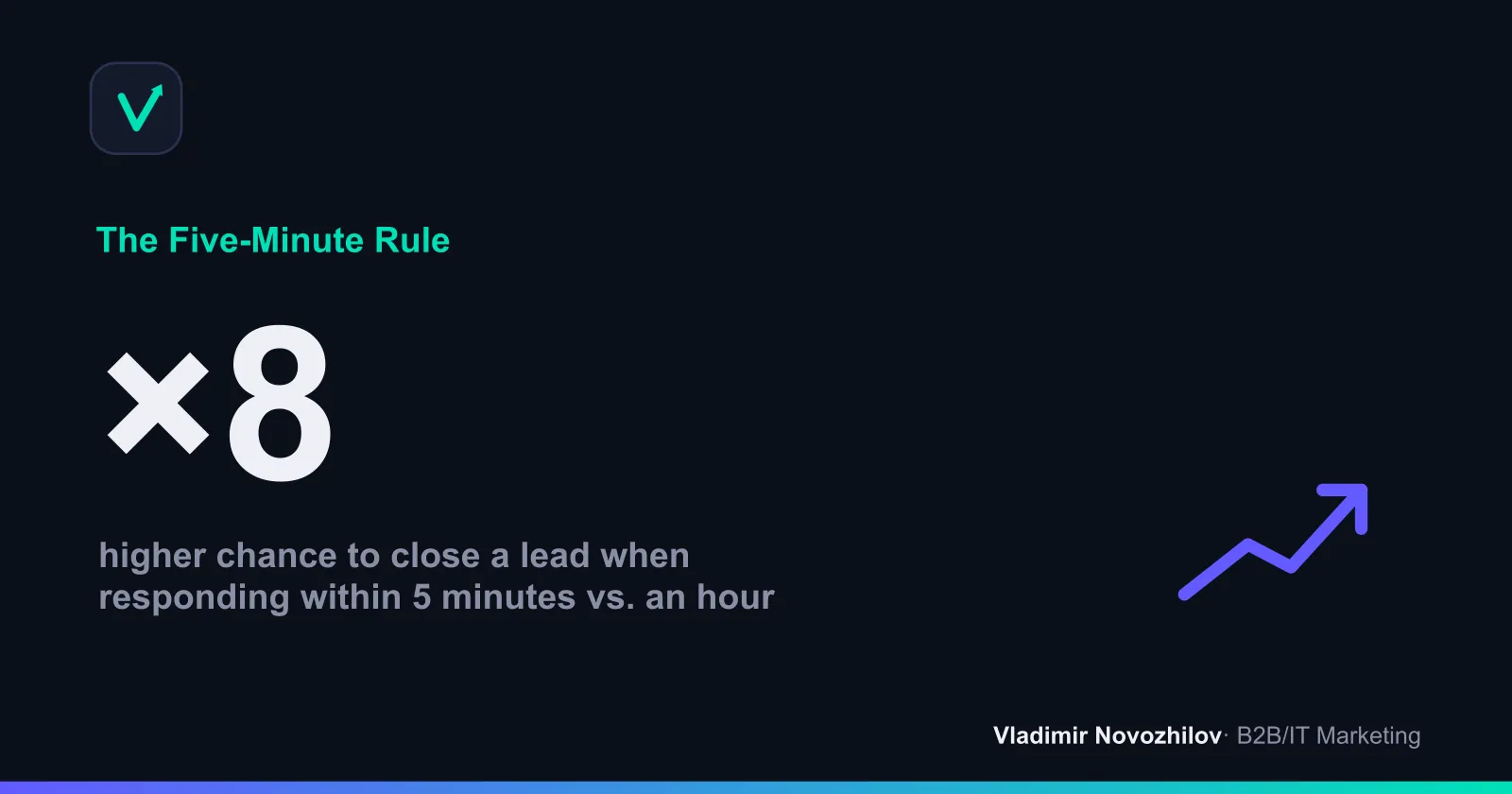
- Delayed response. The notification arrives an hour later — conversion drops sharply.
- Scoring left unrevised. The model was set up once and forgotten; the criteria are outdated.
- No fallback scenario. An API outage — and leads vanish without a trace.
- Automation for automation’s sake. A bot was deployed, but no one defined what counts as a qualified lead.
Case studies: lead generation automation results in numbers
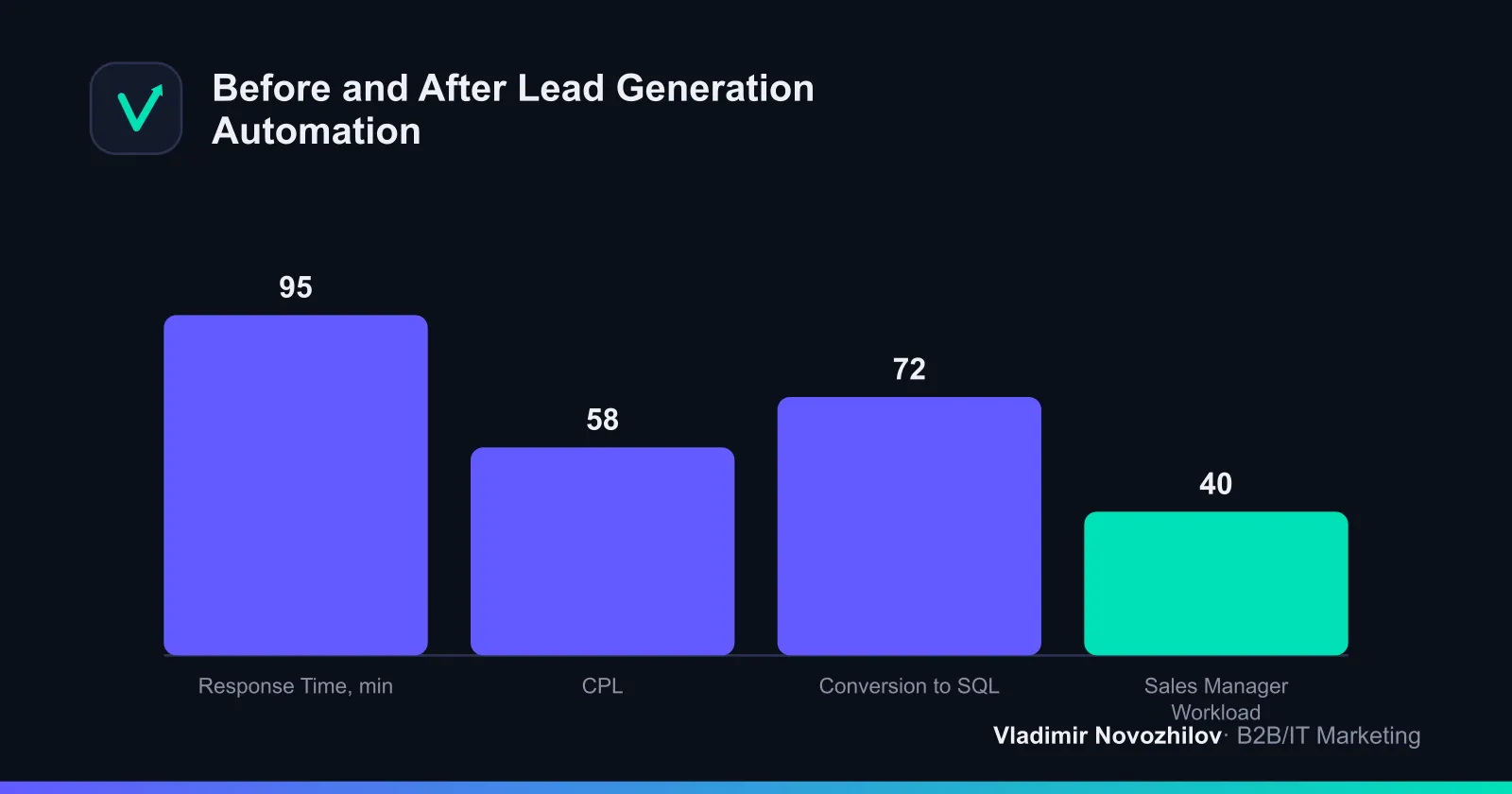
Case 1. B2B services. Before implementation, managers copied submissions manually, average response time was about 40 minutes, and some leads were lost. After setting up a qualifying chatbot and direct lead handoff into the CRM, first-contact time dropped to 2–3 minutes, CPL fell by roughly 30%, and SQL conversion rose from 18% to 31%.
Case 2. Wholesale trade. Lead scoring and automatic routing were implemented. The sales manager stopped manually sorting submissions, freeing up about 20% of their working time, while off-target inquiries were filtered out by the bot before ever reaching a manager. The result was more deals closed on the same ad budget.
Checklist for implementing lead automation into a CRM
Use this as a pre-launch protocol:
- Traffic sources and mandatory lead fields are documented
- UTM tags are passed through at every capture point
- The CRM and integration method (API or connector) are chosen
- Phone and email normalization is configured
- Contact deduplication is enabled
- Scoring and routing rules are defined
- Manager notifications arrive within the first 5 minutes
- A nurturing auto-funnel is set up
- A fallback scenario exists for API failures
- End-to-end lead analytics with CPL/CAC/ROMI is connected
- An end-to-end test “ad → CRM card” has been run
Risks and ethics of AI in lead processing
AI speeds up qualification but requires oversight. The main risks: data quality (garbage in, garbage out), lack of transparency in scoring decisions, and questions of consent to process personal data. The rules are simple: collect only the data you need, keep records of consent, regularly audit who the model is filtering out, and leave room for a human to intervene. AI should assist, not make irreversible decisions blindly.
The future of lead generation automation: predictions
The next 2–3 years will bring a shift toward autonomous agents that not only qualify leads but also conduct initial negotiations by voice and chat. Predictive analytics will become standard even for small businesses, and hyper-personalized content will become the norm. But the foundation will stay the same: clean data, proper CRM integration, and clear metrics. Companies that get their architecture in order today will easily plug in any AI add-ons tomorrow.
FAQ on lead generation automation and CRM
Short answers to frequent questions are collected in the FAQ block above — covering definitions, passing leads into the CRM without data loss, choosing a system, the role of AI, and common integration mistakes.
FAQ
- What is lead generation automation in simple terms?
- It's a system that collects inquiries from every channel without human involvement, checks their quality, and logs them into the CRM with a full set of data. Forms, chatbots, and call tracking capture the contact, scoring assesses purchase readiness, and integration instantly routes the lead to the responsible manager. A human only steps in at the sales stage, not for routine data transfer.
- How do you automatically pass leads into a CRM without losing data?
- Set up a direct integration via API or a connector (webhook, Make, Albato) instead of manual export. The key is end-to-end passthrough of UTM tags and field normalization: phone numbers in a single format, mandatory source and campaign fields. Be sure to add deduplication by phone and email and set up manager notifications within the first 5 minutes after a submission.
- Which CRM is best suited for lead generation automation?
- For small and mid-sized B2B, amoCRM (a simple pipeline and messenger integrations) or Bitrix24 (a generous free tier and built-in automation) are common choices. For complex, long sales cycles and deep analytics, HubSpot fits better. The main criteria are an open API, ready-made connectors for your channels, and flexible scoring configuration.
- Can AI fully replace a sales manager in lead processing?
- No. AI for lead generation handles initial lead qualification, distribution, nurturing, and answers to routine questions around the clock very well. But negotiating non-standard terms, handling objections, and retaining major clients remain a human's job. The optimal setup is a hybrid: the bot filters out irrelevant submissions, and the manager receives contacts ready for a conversation.
- What mistakes are most common when integrating CRM and chatbots?
- The most frequent ones are: losing UTM tags when passing leads into the CRM, duplicate contacts due to missing deduplication, absent mandatory source fields, delayed notifications, and skipping a fallback scenario for API failures. As a result, end-to-end lead analytics breaks down and some submissions get lost between systems.